AI product photos for Etsy and Shopify sellers
Online, the photo is the product. A buyer on Etsy or Shopify can't pick your item up, turn it over, or hold it to the light — they judge the listing by its images, in search results, at thumbnail size, against a wall of competitors. Professional product photography fixes that, but a studio shoot for every listing is out of reach for most small sellers. AI product photography is the middle path: your real product, re-staged in studio scenes, for the price of a pizza.
What a listing actually needs
- A clean hero image. The main photo does the selling in search results: product front and center, bright, uncluttered. Both Etsy and Shopify reward listings whose images are sharp and clear — Etsy recommends large, crisp images so buyers can zoom in with confidence.
- Context. A second look — the product in a real setting, at a believable scale — answers "what is this like to own?" better than any description paragraph.
- Variety for marketing. The same product shot gets stale across Instagram, ads, and seasonal refreshes. Different looks keep one product looking new.
Most sellers have exactly one of these: a phone photo on a kitchen table. Moonroom's Product Studio turns that one photo into a set — 50 images in one chosen style, $15 one-time.
The four studio looks, and the job each one does
- Clean White — the listing hero. Seamless white background, even studio light. This is the look marketplaces are built around, and where most sellers should start.
- Lifestyle — your product in a believable real-world scene. The context shot for your listing gallery, your Instagram, your ads.
- Marble — a premium surface treatment for beauty, jewelry, food, and home goods; the "this costs more" signal.
- Gradient — a soft color-glow backdrop made for social posts and promotions, where the white-background shot would scroll past unnoticed.
Each pack is one style — fifty variations in that look — so a listing stays visually consistent. Most sellers start with Clean White for the shop itself, then add a Lifestyle pack for marketing.
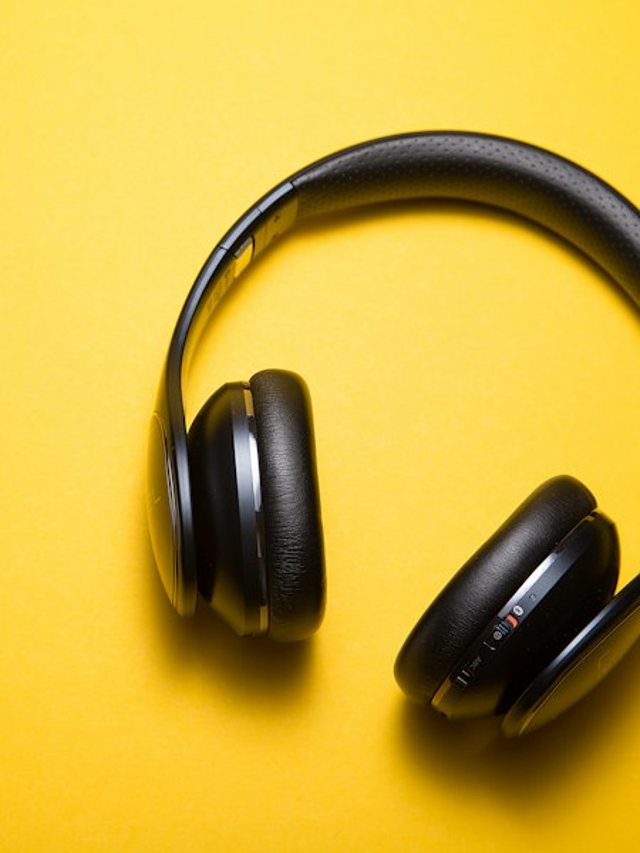
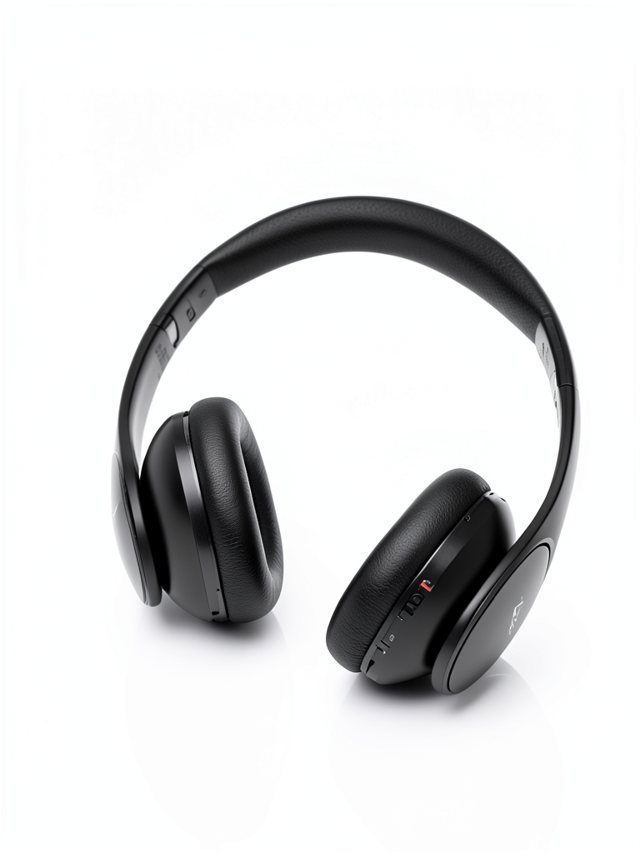
A real demo: one seller photo, run through Moonroom's Product Studio. More looks in the gallery.
How sellers use it, step by step
- Photograph the product once, well. Good light, whole product in frame, your sharpest shot. The studio rebuilds the scene — it can't invent detail your photo doesn't have.
- Run your free previews. Your first 3 previews are free, so you can see your actual product in the style before paying.
- Check the fine print — literally. AI can occasionally soften very small text or intricate patterns. Review the outputs and use the ones where every detail reads correctly.
- Publish. Hero image in the listing, lifestyle shots in the gallery and on social, gradient shots in the ads. Your outputs are yours to use commercially.
Questions, answered
What photo should I upload of my product?
Your clearest, sharpest shot — good light, the whole product in frame, nothing cropped off. The studio rebuilds the scene around your product, so a clean, honest input photo gives the most faithful output.
Can I use Moonroom images in my shop commercially?
Yes — your outputs are yours to use in your listings, ads, and social posts. Each Product Studio pack is 50 images in one chosen style for $15, one-time.
What if my product has a label or fine text?
Check the outputs closely. AI can occasionally garble very small text or intricate details — use your sharpest input photo, and pick the outputs where every detail reads correctly. Your free previews let you check before you pay.
Which style should a seller start with?
Clean White for the listing itself — it's the look marketplaces reward for the main image. Add a Lifestyle pack when you want in-context shots for social posts and ads.
Put your product in the studio
3 free previews on your own product photo. See all packs on the pricing section or finished examples in the gallery.
Try Product Studio freeMore guides: AI headshots vs a photographer · What makes a good LinkedIn headshot